Tag Archives: sensory strategies

Sensory strategies are techniques used to help children manage responses to sensory input, such as sounds, textures, or movement. These strategies support self-regulation, attention, and participation in learning environments. They are essential for helping children stay calm, focused, and engaged throughout the day.

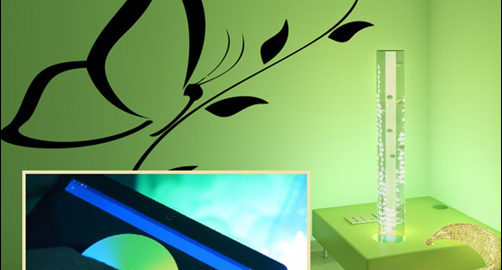
The Luminea Corner, a compact yet impactful sensory environment

The Luminea App: Awaken Sensory Channels

In this post I want to talk about the free Luminea App which will allow you awaken sensory channels in a whole new way. The Luminea App allows you to control any Luminea lighting device in your space or a multisensory room in a very fun, creative and playful way. The Luminea App has been designed to make the most of therapeutic intervention in a space or sensory room (or even in a Snoezelen room), as it serves to control the colors of the different lighting elements in a simple manner, and facilitates development and learning.

It is free to download, and once you have it installed on your Android smartphone or tablet you can start controlling all the Luminea lighting elements of your room, such as the bubble tube, the fiber optics, a ball pool, etc. You can control them individually (by changing the device type in the menu) or in groups for a more immersive effect.
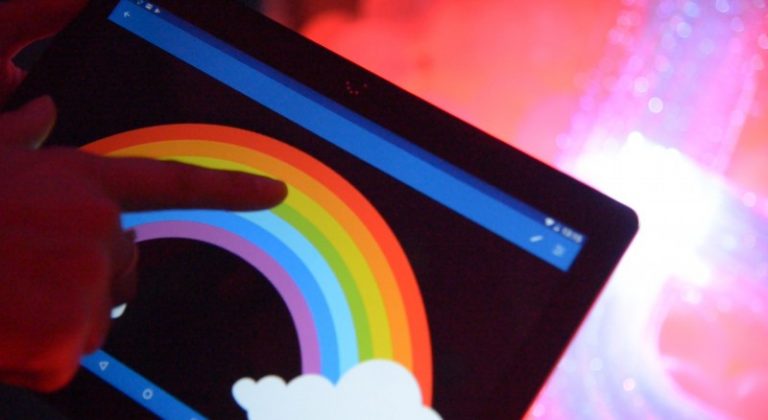
Using the Luminea App to develop fine motor control.

What Can I Do With The Luminea App?

The Luminea App allows you to control the Luminea lightning devices from your smartphone or tablet by changing the color of the devices when touching on a photo. In this way, the colors of the light changes according to the subject matter. Imagine, for example, that you tap on the yellow part of a rainbow image and the lights in your room turn yellow. Or, the bubble tube turns green when you tap on a photo of a kiwi fruit or all the lighting elements in the room turn red when you tap on a clown’s nose. It’s so fun!

This App includes a variety of activities and games for you to play with lighting elements and lets your users or students take control of the room. In addition, you can customize everything, record color sequences or add as many photos as you want (your own or internet ones) to make the sessions more personal.

What does it mean? Only with  Luminea App you can include countless customized activities in your sessions:

  • Create choreographies with your favorite music and make all the elements ‘dance’ with you. You can play these choreographies whenever you want, as they are stored on your device.
  • Upload your own photos and play with their colors. You can upload a photo of your last holiday or your favorite animal, and by tapping on a colored point in the image, all the room will turn that specific color. ¡It works automatically!
  • It includes multiple games and activities, but you can also create your own unlimited activities.
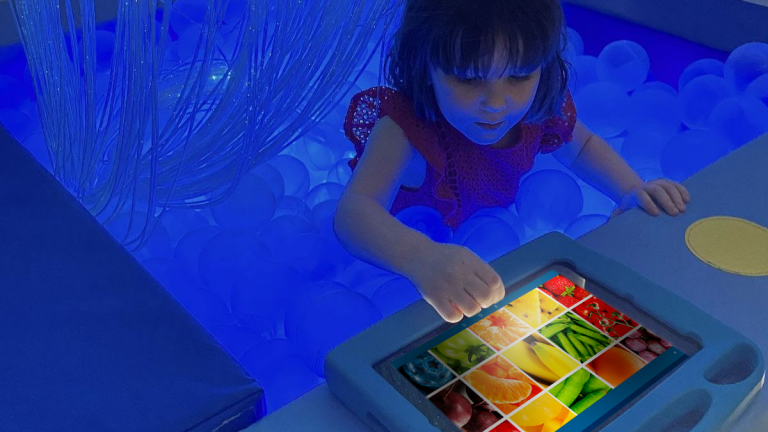
Using the Luminea App in a Ball Pit

We help to promote and encourage cause-effect relationships with these types of games, as well as memory, choice, interaction… In the case of group activities, it also helps to enhance communication, joint attention and social skills.

Start With A Small Corner!

With the Luminea App you can control all the Luminea light devices and become a master of light by taking control of your room like never before. If you want to get started in the sensory world, you can start with the Luminea Corner, which allows you to have a small interactive world made up of a bubble tube, and fiber optics and to add devices little by little, as they will always be compatible

The Luminea App is fun and therapeutic; it combines the elements of your multisensory room in a group setting and takes your users into an immersive world. In this video we show you all the Luminea elements and how easy it is to use the App. In addition, you can learn about other different ways to control your devices, according to the switch your users prefer (a giant die (Sensory Cube), a colored mat (Sensory Step), etc.)

How Does Luminea App Work?

The Luminea App is very intuitive and easy to use.

  • All you need is an Android smartphone or tablet connected to the same WiFi network as your multisensory room (and all other Luminea devices). It works with one or add all of them at the same time!

Guest Blogger: Alba Alier, SLT
The Sensory Space – An Essential In Your Classroom

The school and classroom provide a wealth of sensory information. Whether or not your students have special needs, processing sensory information can be a real challenge and also impact their behavior (e.g. difficulty paying attention, sitting still, working cooperatively with others, etc.).

Sensory processing difficulties arise when the brain can’t sort, organize, analyze, or integrate sensory messages. It’s like a “traffic jam” in the brain, with a few snippets of sensory information “stuck in circulation”. When this happens, certain parts of the brain don’t receive the sensory information they need to do their job. (1)

Providing a sensory space helps students to calm down and is a way to avoid disorganization. It’s a simple solution for improving social-emotional behaviors and beneficial for cognitive development.

What Is A Sensory Corner?
A sensory corner is a designated area inside your classroom that is dedicated to supporting the sensory development of all students. It allows the child to take refuge there completely independently. Their withdrawal into this space helps them regulate their emotions and energy level in order to be more available to learn and interact with others.

A sensory space stimulates the primary senses; sight, hearing, smell, touch, vestibular and proprioception without creating overload because the senses are chosen on a voluntary basis.

The Benefits Of A Sensory Corner
These very precious moments, lasting at least 15 minutes, improve mood management by taking care of one’s emotions, increasing the feeling of security, and help reduce agitation and apathy (lack of energy). No wonder they allow for the improvement in attention and quality of concentration.

Regulating our senses is important in maintaining our mental and physical well-being and self-esteem. The sensory space allows for wonderful one-on-ones or supports a moment of guided learning, if the space is sufficient to accommodate the adult and child.

How To Design A Classroom Sensory Space

  • It must be welcoming, comfortable and a defined space. The area has boundaries and is large enough to accommodate at least one seat (armchair, cushion, carpet, etc.).
  • Make sure the child will be isolated from ambient noise or the hallway.
  • Make sure you can adjust the light intensity or filter it. Some children will seek intense light while others will benefit from dim lighting.
  • Try to find a corner of the class where the student can have some privacy, out of sight of their peers. To enclose this space, you could use a curtain or furniture such as a bookcase or shelf.
  • Ideally, provide storage for the items or equipment that your corner will offer. The space should not be overloaded with things.

The objective is to be able to immerse yourself in a “cocoon-bubble” atmosphere in order to experience better sensory stimulation and enjoy all the benefits.

The effectiveness of a sensory corner has nothing to do with your allocated budget. It’s therefore not necessary to invest in expensive and sophisticated equipment.

What equipment should you provide in your sensory corner?
Your sensory corner can evolve over time and according to the needs of your students. Here are some suggested items that can stimulate the senses.

Touch
– Manipulative tools such as stress balls, fidgets
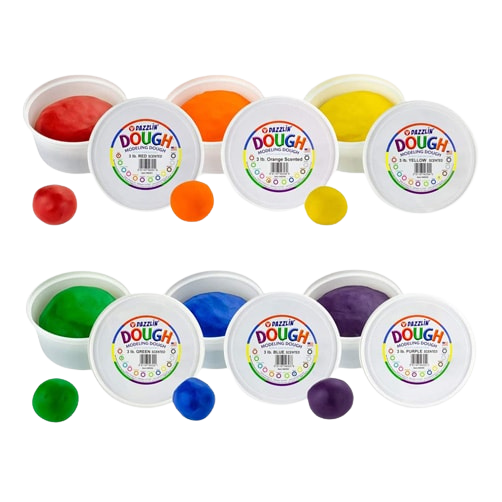
– Tray with play dough
Vibrating cushion
Massage accessory
– Homemade sheet/board with different textures on it (sandpaper, fur, silk, feathers, etc.)

Hearing
Noise cancelling headphones
-Earphones and radio

Smell
– An accessory or cushion that you can put a few drops of essential oils on (ex: lavender)
– Scented putty
– Small cotton sachet (for the bottom of a drawer) with different smells

Sight
Mini flashlight, mini battery-operated candle
– Hourglass or sensory tube
– Homemade glitter bottle

Vestibular (balance and movement)
Disc or balance board
Air cushion
– Surfboard

Proprioception
Weighted animals
Ghost
Resistance Band
Bean bag
Sensory peapod

And the most important…
Once your sensory space has been established, take the time to show it to your students and teach how to use it, when, and why so that they understand the purpose of this space.

It’s also important to display the tools and resources available in the space. Don’t hesitate, for example, to demonstrate breathing techniques in a large group so that they know how to repeat them when alone.

Having a space like this is a great way to implement social-emotional learning strategies in your classroom.

And now, play on!

Guest Bloggers: The Manimo Team

About manimo
For 20 years, manimo has comforted thousands of children at home and school. manimo’s range of weighted animals are all equally attractive. It’ll be a must have in your sensory space to stimulate your student’s proprioception and touch senses.

Discover manimo weighted animals

1 Sensory Spaces in School 2021. National Council for Special Education, NCSE – Sensory Spaces in Schools

Supporting Reading: More Than Just Literacy Skills

Supporting reading means more than teaching literacy—it’s about building the underlying skills that make reading possible. This is especially true when reading is hindered by other difficulties such as visual inattention, visual impairments, or sensory processing difficulties.  There are many low to high-tech assistive technology options that can help support reading.  With so many options available, how do you decide which option is best for your needs? Here is a quick breakdown!

Tip for supporting reading literacy skills - use light filters for literacy

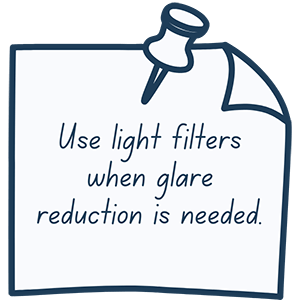
Use Light Filters When Glare Reduction is Needed
Glare results when too much light enters the eye.  It can come from either a direct or a reflected light source. Glare can be distracting and can also make it difficult to read text or see images.   Overhead fluorescent lights are a major source for glare in classrooms and office spaces. Light Filters are a simple solution for minimizing glare that comes from overhead lights.

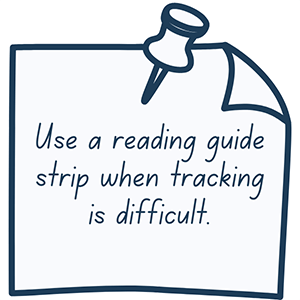
Use a Reading Guide Strip When Tracking is Difficult
Difficulty with eye tracking can cause readers to skip lines or words and can decrease reading speed. This may also impact overall reading comprehension.  Reading Guide Strips make it easy to track print through a transparent tinted window. Even better, they are available in a variety of colors making it easy to find the eye’s preferred color!

Reading guides for literacy
Tip for supporting reading literacy skills - use colored overlays for literacy

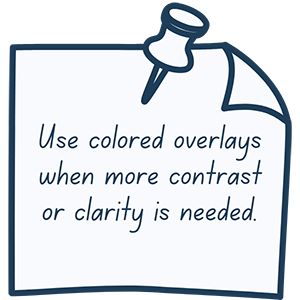
Use Colored Overlays When More Contrast or Clarity is Needed
Colored overlays can help with print clarity.  Improving print clarity can be helpful in decreasing eye strain and fatigue. It can also help by increasing reading attention and overall comprehension. Options to improve contrast include Highlighter Strips and Reading Guides.   Highlighter Strips work by brightening written words. Reading Guides help improve contrast. Pro tip: color preference varies, try different colored reading guides to see which your eye responds to best!

Use Slant Boards to Increase Visual Attention
Bringing visual material closer to the eye can help increase visual attention.  Slant Boards and book holders are both great tools for this job! Pro Tip: Adjustable slant boards offer maximal flexibility with finding the right angle!

Slant boards for literacy

The ability to read is more than just literacy skills! Low tech adaptations and modifications can make the difference between a successful reader and a struggling reader.